Why Is There No Treadmill Workout on Apple Watch
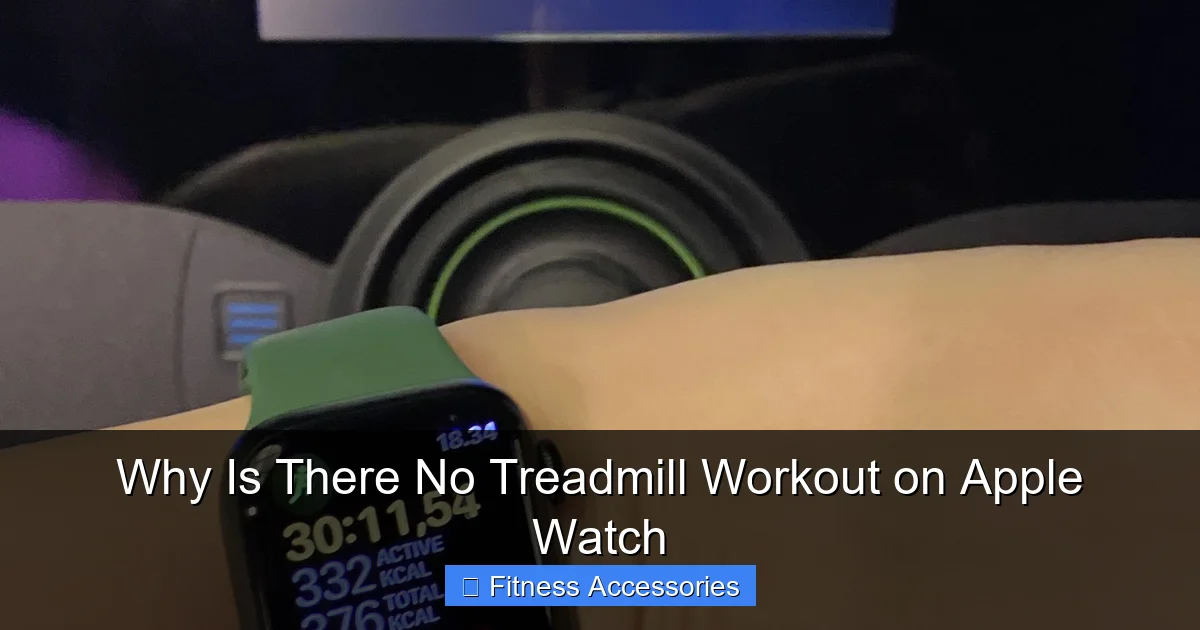
Your Apple Watch absolutely tracks treadmill workouts—it’s just called “Indoor Run.” The watch uses its powerful sensors and clever algorithms to estimate your distance and pace on a treadmill without GPS. The lack of a separate “Treadmill” label is a design choice, not a missing feature. Accuracy depends heavily on proper calibration and consistent stride.
Key Takeaways
- The feature exists, it’s named “Indoor Run”: Apple Watch does not have a standalone “Treadmill” workout type; it uses the “Indoor Run” mode for all stationary cardio machines, including treadmills, ellipticals, and indoor tracks.
- Calibration is critical for accuracy: An initial outdoor run with GPS is essential to teach the watch your stride length and running form, which it then applies to estimate indoor treadmill distance.
- It relies on motion sensors, not GPS: Indoors, the watch uses the accelerometer and gyroscope to detect your arm swing and motion patterns to calculate pace and distance, a fundamentally different method than outdoor GPS tracking.
- Consistency yields better data: Your watch learns from your specific running gait. Using the same treadmill, speed, and running style will produce more consistent and accurate workout metrics over time.
- Third-party apps can offer more control: Apps like Strava, Nike Run Club, or Zwift Run can provide dedicated treadmill interfaces and sometimes allow manual calibration adjustments for fine-tuning accuracy.
- Heart rate remains highly accurate: Regardless of the workout label, the optical heart rate sensor on the Apple Watch provides reliable, continuous heart rate data during treadmill sessions.
- Manual entry is always an option: If you’re unhappy with the auto-tracked data, you can always manually log a treadmill workout in the Fitness or Health app afterward.
📑 Table of Contents
- So, Where *Is* The Treadmill Button?
- The Technology Inside: How Does It *Actually* Track?
- Why Calibration Isn’t Optional, It’s Essential
- Indoor Run vs. Outdoor Run: Expect Different Results
- Can Third-Party Apps Solve The “Treadmill” Problem?
- Maximizing Your Treadmill Tracking Accuracy: Practical Tips
- The Bottom Line: Is It Good Enough?
So, Where *Is* The Treadmill Button?
You lace up your shoes, hop on the treadmill, and reach for your Apple Watch to start your workout. You scroll through the list of workout types—Outdoor Run, Outdoor Walk, Indoor Cycle, Pool Swim—but you pause. Where’s “Treadmill”? It feels like a glaring omission. After all, millions of people use treadmills. How could Apple miss this?
Here’s the good news, and the source of the confusion: the feature isn’t missing at all. The workout you’re looking for is right there, it just has a different name. It’s called “Indoor Run.” That’s it. That’s the treadmill workout. Apple groups all stationary running activities—whether on a treadmill, an indoor track, or even a very long hallway—under the single “Indoor Run” umbrella. There is no separate “Treadmill” app or mode. This design philosophy extends to other equipment; “Indoor Cycle” covers spin bikes and stationary bikes, and “Elliptical” is its own category. So the first and most important answer to “why is there no treadmill workout?” is: there is one, it’s just not named what you expect.
But this naming choice leads to deeper, more valid questions about accuracy, tracking methods, and user expectations. Why not have a specific mode? Does “Indoor Run” work as well on a treadmill as it does on a track? How does it know how far you’ve gone without GPS? Let’s break down the technology, the philosophy, and what you can do to get the best data from your wrist.
The Technology Inside: How Does It *Actually* Track?
To understand the “Indoor Run” label, you need to understand how the Apple Watch tracks distance when it can’t see the sky. GPS is useless indoors. So Apple’s engineers built a sophisticated fallback system using the watch’s other sensors, primarily the accelerometer and gyroscope.
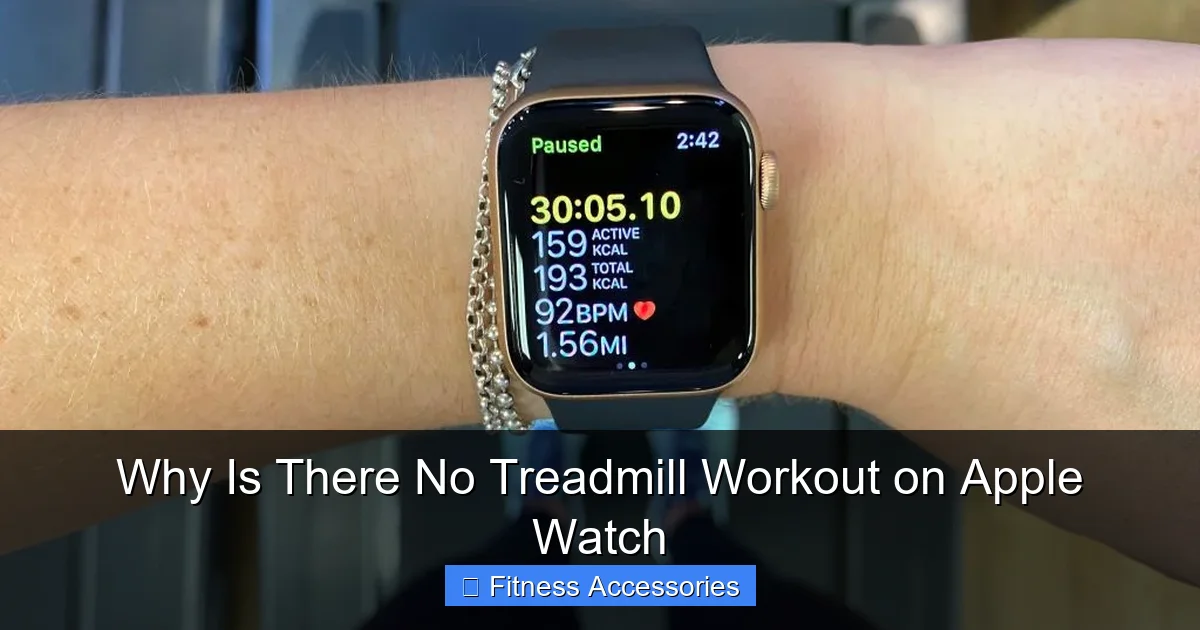
Visual guide about Why Is There No Treadmill Workout on Apple Watch
Image source: cdn.mos.cms.futurecdn.net
Sensor Fusion and Stride Modeling
When you run, your arm swings in a consistent, rhythmic pattern. The accelerometer detects this back-and-forth motion. The gyroscope senses the orientation and rotation of your wrist. The watch’s processor analyzes this complex motion data in real-time. It’s looking for the signature “bounce” and swing of a running gait versus a walking gait.
But motion alone doesn’t tell it distance. For that, it needs a stride length. This is the crucial link. The watch estimates your stride length based on two key pieces of information:
- Your Height: Set in the Watch app on your iPhone. This gives a baseline average stride length for your stature.
- Your Calibrated Running Form: This is the magic. When you first take your Apple Watch for an outdoor run with GPS, it creates a personal model. It compares the precise distance measured by GPS to the number of arm swings (steps) it detected via the motion sensors. From this, it calculates your unique stride length for running at various speeds. It learns if you have a long, loping stride or a short, quick one.
Once this model is built, the watch can take over indoors. During an “Indoor Run,” it counts your arm swings (which correlate closely with your steps) and multiplies that by your personal, calibrated stride length to estimate total distance. Pace is simply distance divided by time.
Why Calibration Isn’t Optional, It’s Essential
The One-Time GPS Run That Changes Everything
If you’ve never done an outdoor run with your Apple Watch, or if you just got a new watch, your indoor distance estimates will be based solely on your height. This can be wildly inaccurate. A person who is 5’10” could have a stride length of 30 inches or 38 inches depending on their gait. Using a generic height-based formula will lead to treadmill distances that are consistently too high or too low.
The solution is simple and non-negotiable: perform a calibration run. Go outside, open the “Outdoor Run” workout, and run for at least 20 minutes on a flat, predictable route (a long sidewalk or park path is ideal). The GPS will lock on and record your true distance. The watch will silently compare its motion sensor data to that GPS truth and update your personal stride model. Do this once every few months, or if you feel your indoor distances are drifting, and you will see a dramatic improvement in accuracy.
Pro Tip: Run at a steady, consistent pace during your calibration. Don’t stop at intersections. The more uniform your motion, the better the watch can isolate your stride pattern.
Indoor Run vs. Outdoor Run: Expect Different Results
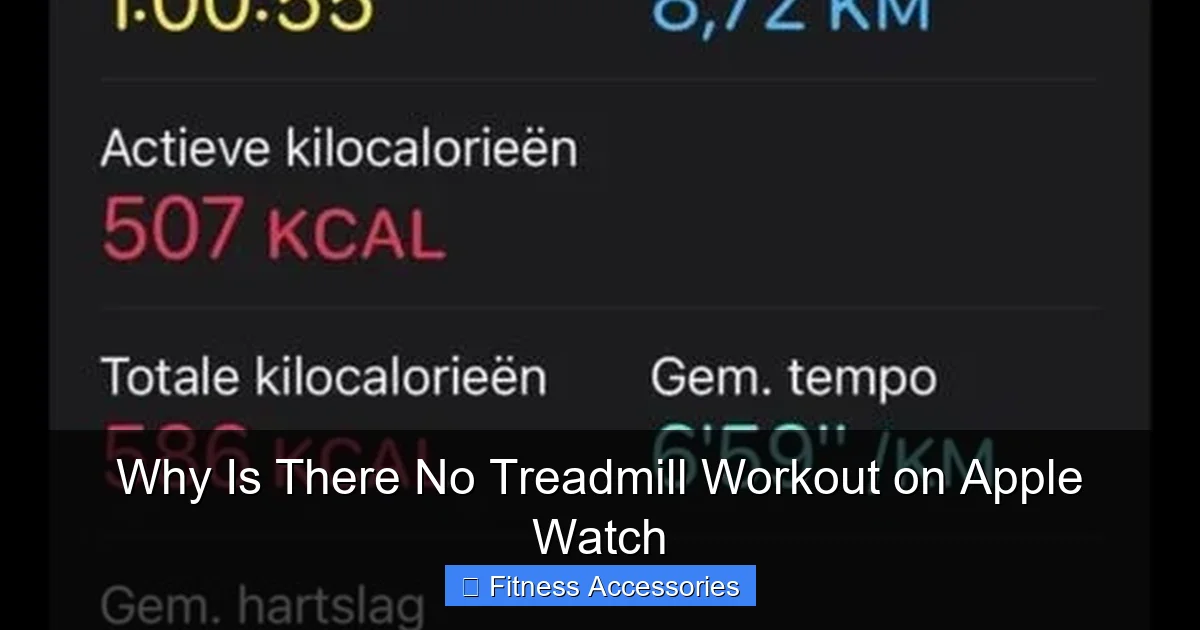
Even with perfect calibration, you must accept that “Indoor Run” data will always be an estimate, while “Outdoor Run” data (with a strong GPS signal) is a measurement. This creates inherent differences you should understand.
Visual guide about Why Is There No Treadmill Workout on Apple Watch
Image source: ellipticalking.com
The Drift Factor and Environmental Consistency
On a treadmill, you’re running in place. The belt moves under you, but your overall displacement through space is zero. Your arm swing might be slightly less pronounced than on a trail because you don’t need to propel yourself forward against wind or varied terrain. Small variations in how you hold your arms (gripping the console vs. swinging freely) can alter the sensor data. Over a 5-mile run, these tiny discrepancies can compound, causing the watch’s distance estimate to “drift” by 5-10% from the treadmill’s console reading.
Which one is “right”? The treadmill console is measuring belt revolutions, which is a direct measure of the distance the belt has traveled. It is mechanically precise for the belt. However, it doesn’t know your *actual* stride length. If you take shorter steps on the treadmill than you do outdoors, the belt distance might overestimate your true running distance. Conversely, if you have a very long stride, the belt might underestimate it. Your Apple Watch is trying to estimate *your* body’s movement through space. The two numbers (watch vs. console) are measuring slightly different things, which is why they rarely match exactly. The goal is to get them close enough for training purposes.
Can Third-Party Apps Solve The “Treadmill” Problem?
The frustration with the “Indoor Run” label has led to a thriving ecosystem of third-party running apps. So, do they offer a better treadmill experience?
Visual guide about Why Is There No Treadmill Workout on Apple Watch
Image source: ellipticalking.com
Apps Like Strava, Nike Run Club, and Zwift Run
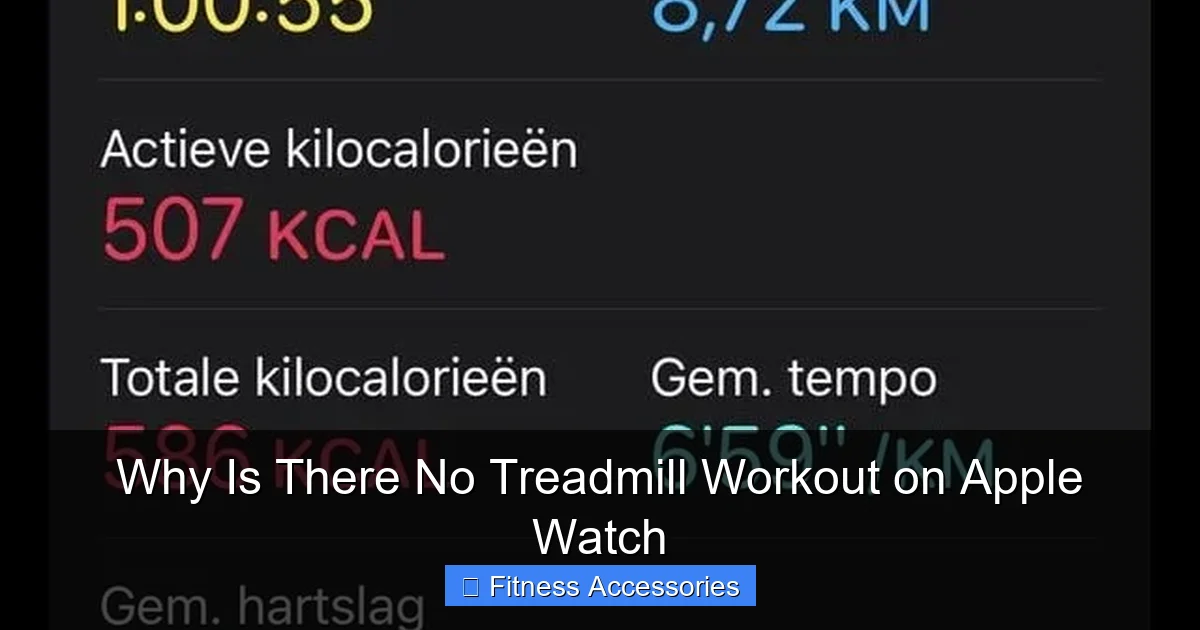
Many popular apps create their own dedicated “Treadmill” workout type within their interface. This is primarily a user experience (UX) choice. It makes the app feel more tailored and intuitive to the user’s mental model. When you select “Treadmill” in Strava, it’s still using the exact same Apple Watch sensor data (accelerometer, gyroscope, and your calibrated stride model) as the native “Indoor Run” workout. The calculation engine is the same; only the button label changes.
Where some apps offer a potential edge is in post-workout calibration tools. For example, after a treadmill run, you can manually enter the distance from the treadmill’s console into apps like Strava or Wahoo Fitness. The app can then use that known distance to adjust your stride factor for future indoor runs, potentially improving accuracy without needing an outdoor GPS run. This is a powerful feature for pure treadmill athletes who rarely or never run outside.
Important Note: Using a third-party app means your workout data is stored in that app’s ecosystem first. You can usually sync it to the Apple Fitness app and Health app, but it adds a layer of complexity.
Maximizing Your Treadmill Tracking Accuracy: Practical Tips
Now that you understand the “why,” here is the actionable “how-to” for getting the best possible data from your Apple Watch on the treadmill.
- 1. Calibrate, Calibrate, Calibrate: This is the #1 most important step. Do a 20+ minute outdoor run with GPS every 1-2 months.
- 2. Be Consistent with Your Setup: Use the same treadmill, at the same incline (usually 0% or 1% to simulate outdoor wind resistance), and try to maintain a similar arm swing. Avoid holding the console constantly, as this dampens the wrist motion sensors.
- 3. Use a Foot Pod for True Precision: For the ultimate in indoor accuracy, consider a Bluetooth or ANT+ compatible foot pod (like from Garmin or Stryd). This small device attaches to your shoe and directly measures your actual stride length and cadence. You pair it with your Apple Watch, and it will override the watch’s internal stride estimation, providing near-perfect distance and pace data regardless of wrist motion. It’s the pro-level solution.
- 4. Check and Adjust Your Personal Stride Factor (Advanced): In the Watch app on your iPhone, go to My Watch > Privacy > Workout Calibration Data. Here you can see your “Running Stride Length” and “Running Stride Elevation” values. If you notice a consistent 5% error between your watch and the treadmill, you can theoretically adjust your stride length in this menu (though it’s a bit of a hidden, advanced feature).
- 5. Trust the Heart Rate, Question the Distance: Your optical heart rate sensor will be very reliable on the treadmill. Use heart rate and time as your primary, consistent metrics. View distance and pace as useful estimates that are best for tracking relative effort and progress over time, not as absolute, race-pace measurements.
- 6. Manually Log When Necessary: If a workout is particularly important (like a tempo run for a race plan) and the watch data seems off, you can always edit the workout afterward in the Fitness app on your iPhone. Tap the workout, then “Edit” to change the distance, duration, or other metrics to match your treadmill’s console.
The Bottom Line: Is It Good Enough?
For the vast majority of users, the “Indoor Run” tracking on Apple Watch is perfectly adequate. It will give you a consistent, comparable number for each session. If you run 3 miles on the watch today and 3.1 miles next week, you know you likely ran a bit harder or longer. That relative tracking is valuable for motivation and fitness trends.
The quest for a “Treadmill” button is really a quest for certainty and perfection. But indoor running is, by its nature, an estimated activity. The technology is impressive, but it has limits. By understanding those limits—the need for calibration, the role of your unique stride, and the difference between estimation and measurement—you can set realistic expectations. You can then use the tools (calibration, foot pods, manual edits) to get as close to “perfect” as your training requires.
So, no, there is no button that says “Treadmill.” But there is a powerful, sensor-driven system called “Indoor Run” that, with a little setup and understanding, will serve you very well. The real workout isn’t in the label on the watch face; it’s in the effort you put in on the belt. The watch is just along for the (estimated) ride.
Frequently Asked Questions
Is my Apple Watch not tracking my treadmill workout correctly?
It likely is tracking, but under the “Indoor Run” category. Accuracy depends almost entirely on whether you’ve completed a proper outdoor GPS calibration run to teach the watch your personal stride length. Without that, distance estimates can be significantly off.
Should I use a third-party app like Strava for treadmill runs?
You can. Apps like Strava offer a “Treadmill” workout label which is more intuitive. However, they use the same underlying Apple Watch sensor data. Their main advantage is some offer post-workout manual calibration, where you input the treadmill’s distance to fine-tune future estimates.
What’s the single best thing I can do to improve treadmill accuracy?
Perform a 20+ minute outdoor run with GPS to calibrate your watch. This single action teaches the watch your unique stride length and is the most critical factor in making all future “Indoor Run” distance estimates more accurate.
Does holding onto the treadmill console mess up the data?
Yes, it can. Holding the console stabilizes your upper body and reduces the natural arm swing that the watch’s motion sensors rely on to detect running motion and count strides. For best accuracy, try to run with a light, natural arm swing, only briefly touching the console if needed for balance.
Is the heart rate data from my Apple Watch reliable on a treadmill?
Yes, absolutely. The optical heart rate sensor on your wrist works independently of GPS or motion sensors for pace. It uses light to detect blood flow and will provide a reliable, continuous heart rate reading during your treadmill session, which is often the most important metric for training.
Can I manually change the distance after a treadmill workout?
Yes. After finishing your “Indoor Run,” open the Fitness app on your iPhone. Find the workout in your summary, tap it, and select “Edit.” You can then manually adjust the total distance, duration, and other fields to match your treadmill’s console readout.